


308.00 SR
Compare color
-
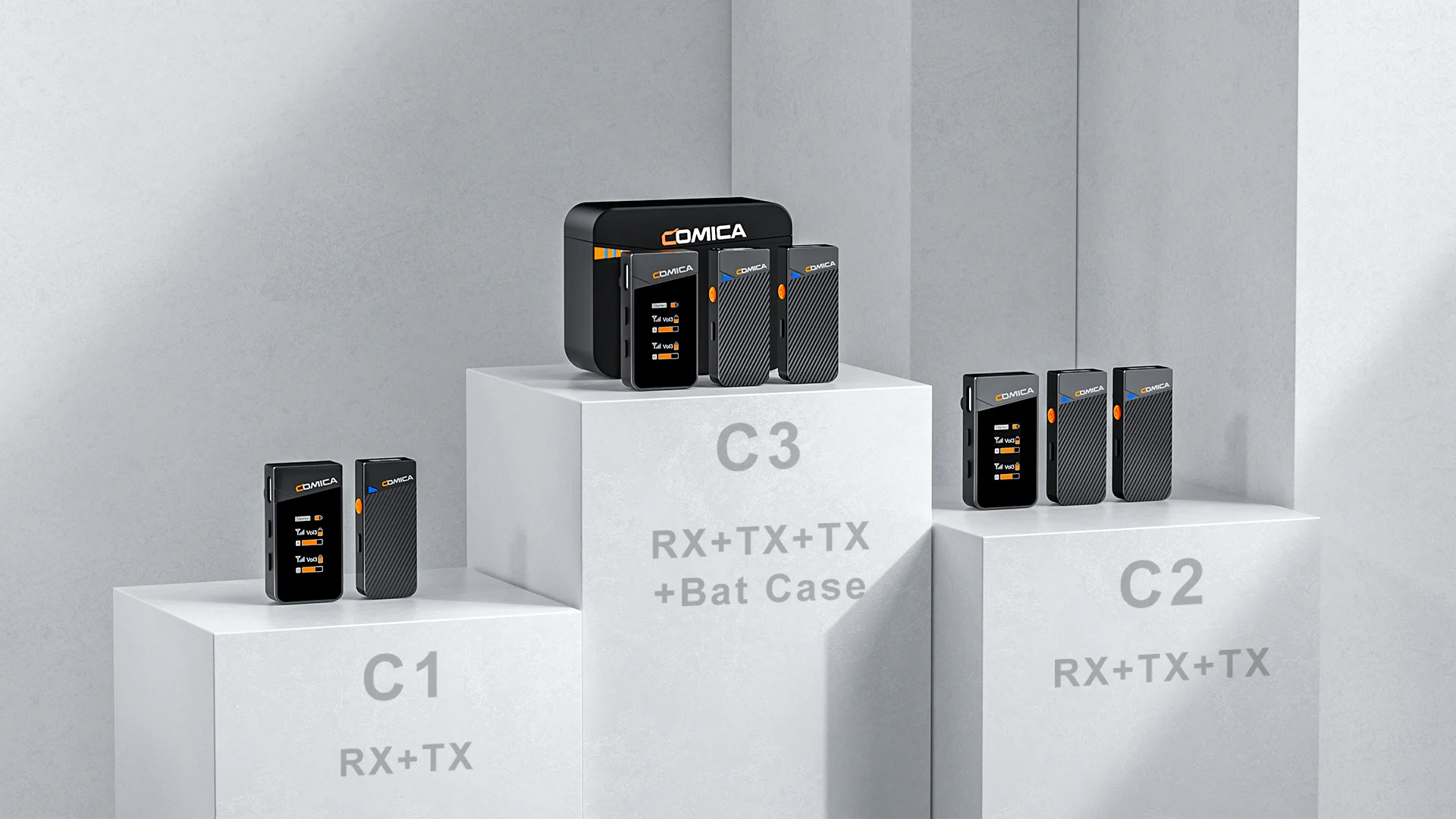
c1 for lingthning
-
c3 for lingthning
-
c3 camera Tpye-C
-
c2 for Tpye-C
-
c2 camera version
-
c2 for lingthning
-
c1 for Tpye-C
-
c1 camera version
Click on color/pattern to compare, click and drag images to reorder
Couldn't load pickup availability
Shipping, returns, and payments
-
Free delivery
-
30 days returns.
-
Money's Guarantee


Related products
Recently viewed products
SPECIFICATIONS
Brand Name: COMICA
Built-in Battery: Yes
COMICA Model: VIMO C
Certification: CE,RoHS
Choice: yes
Communication: WireLess
Diaphragm: S-Mall
High-concerned chemical: None
Origin: Mainland China
Package: Yes
Polar Patterns: Omnidirectional
Set Type: Transmitter Sets
Style: Lavalier Microphone
Transducer: Condenser Microphone
Use: Home Studio

1. Broadcasting-level Sound Quality, Universal for Camera, Phone and Computer
2. Digital Signal Processing, Support One-key Noise Reduction
3. Support Mono/Stereo/Safety Mode Switch
4. 4-level Adjusted Gain Control and One-click Muting
5. Rotatable IPS Display for Intuitive Operation and Usage
6. Rechargeable Storage Case for Charging, Storing and Power Monitoring
7. Duration Up to 20 Hours, Support Using While Charging
8. USB-C Charging/Output Port for Charging and Digital Output
9. Low Latency < 20ms, Working Range Up to 200m(Open Area)
Specification:
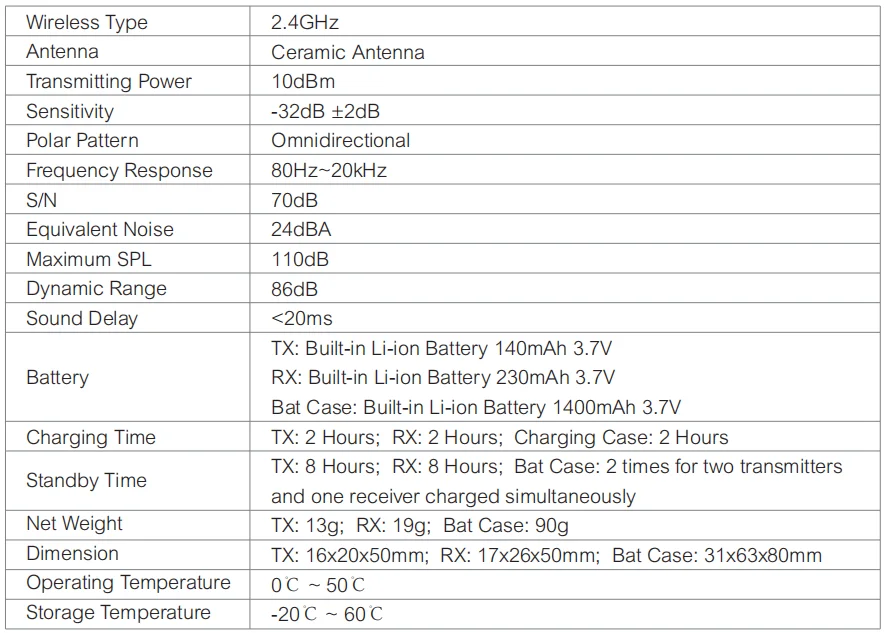
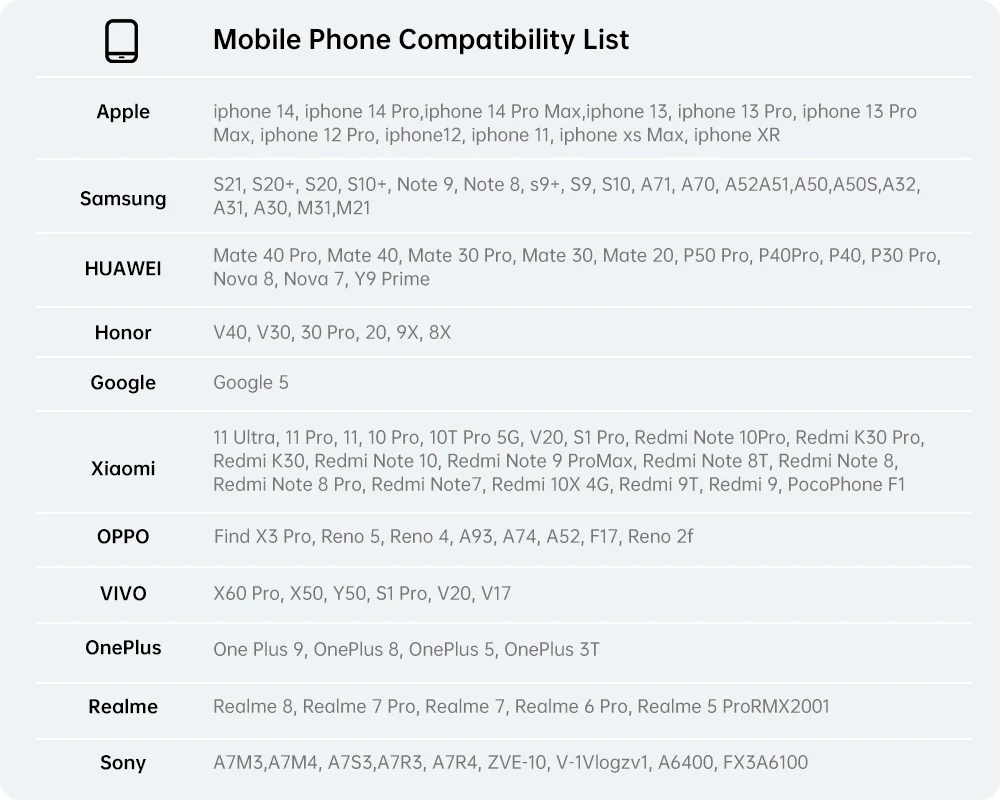
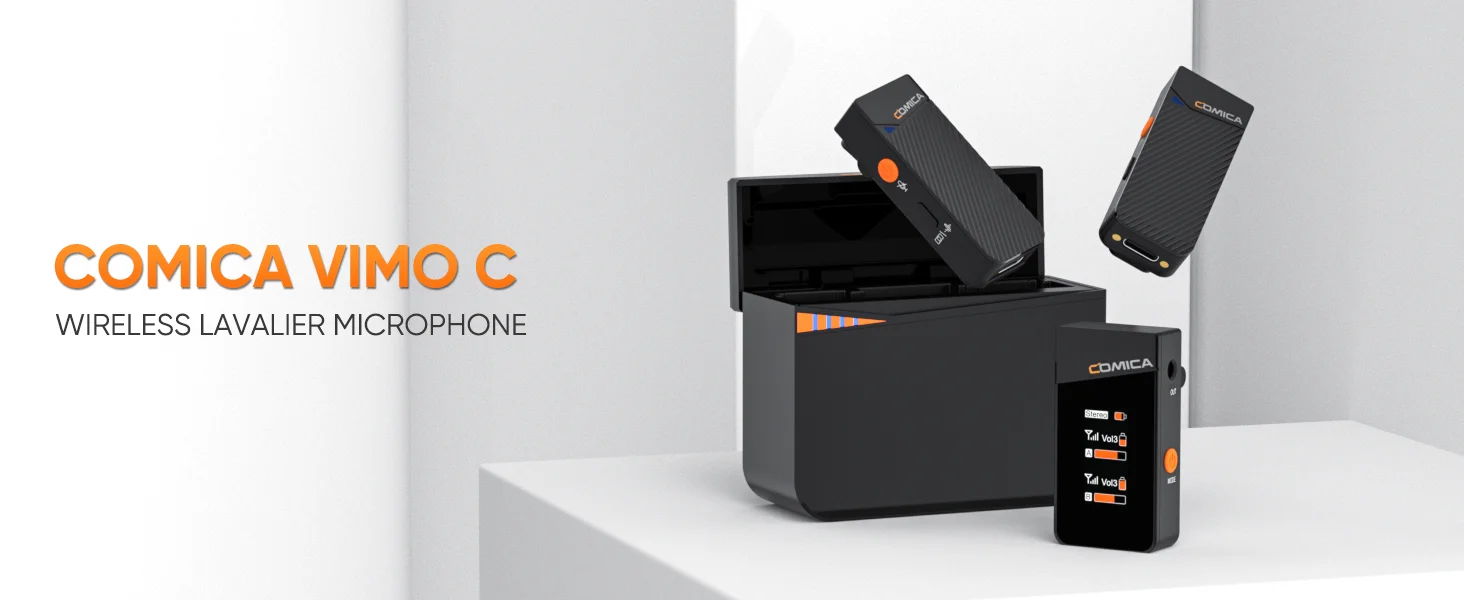
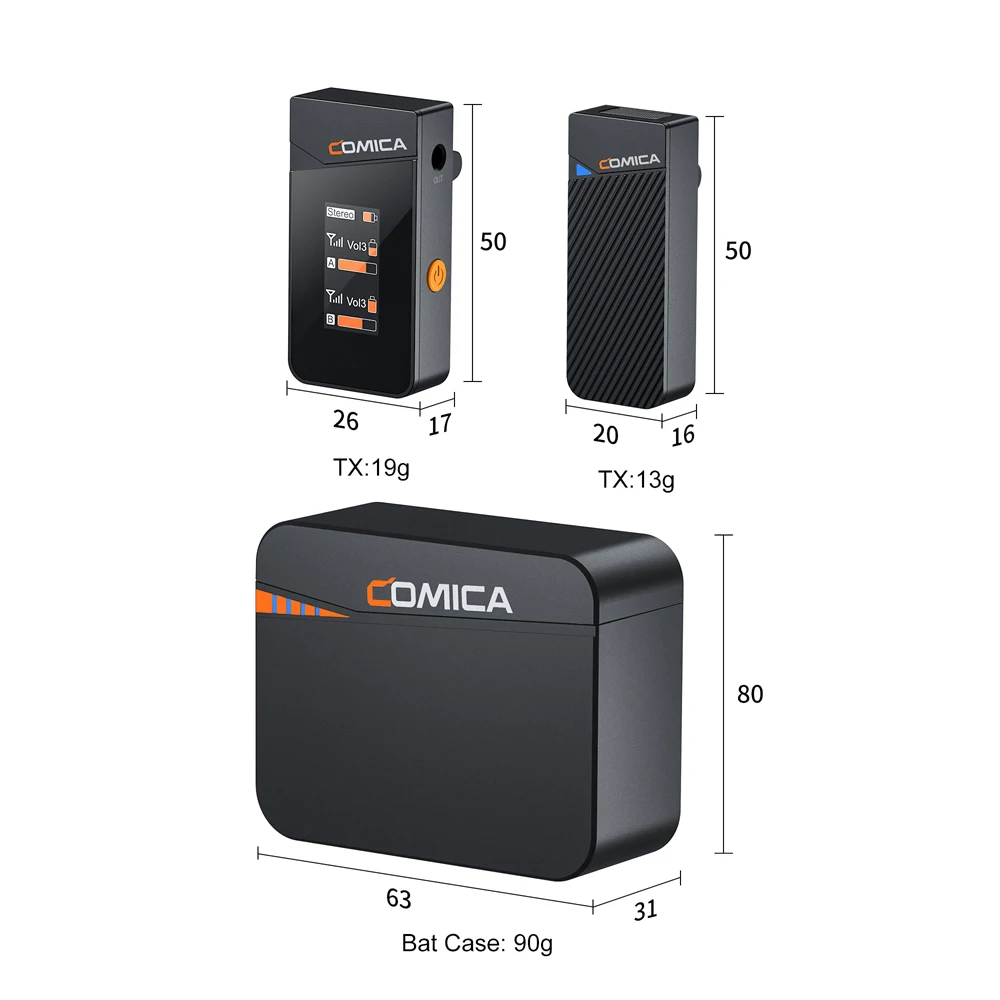

Broadcasting-level Sound Quality
Vimo C has high recording standardswith 48kHz sample rate and 16 bit depths,delivers alossless Hi-Fi sound better than CDs.it can bring ultra high evel sound for users and work together with cameras,phones and computers.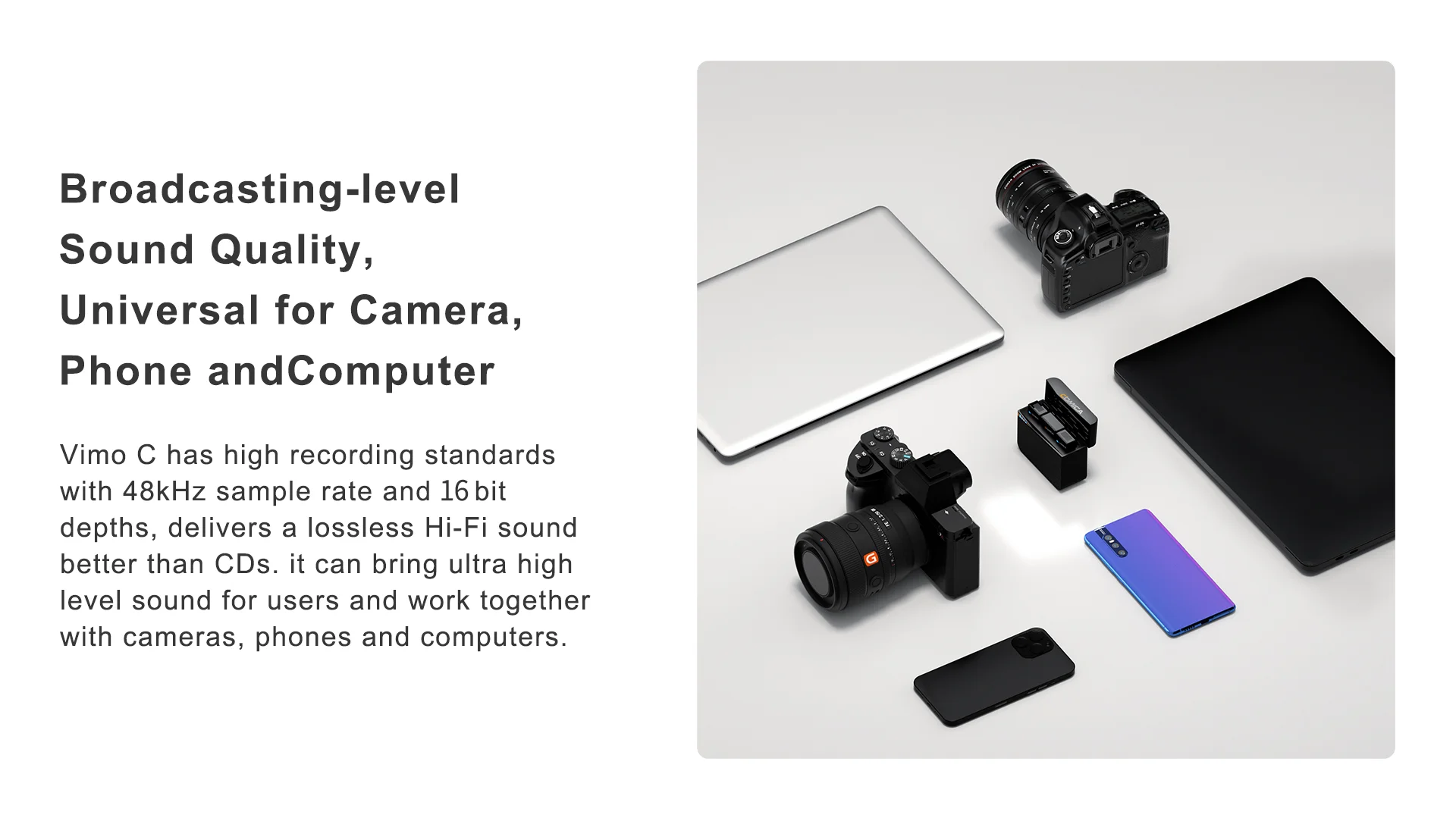 DSP Noise Reduction Chip
DSP Noise Reduction Chip
Built-in DSP noise reduction chip, supports one-click noise reduction, effectively filters environmental noise Multiple audio mode switching
Multiple audio mode switching
Mono, Stereo, Safety Track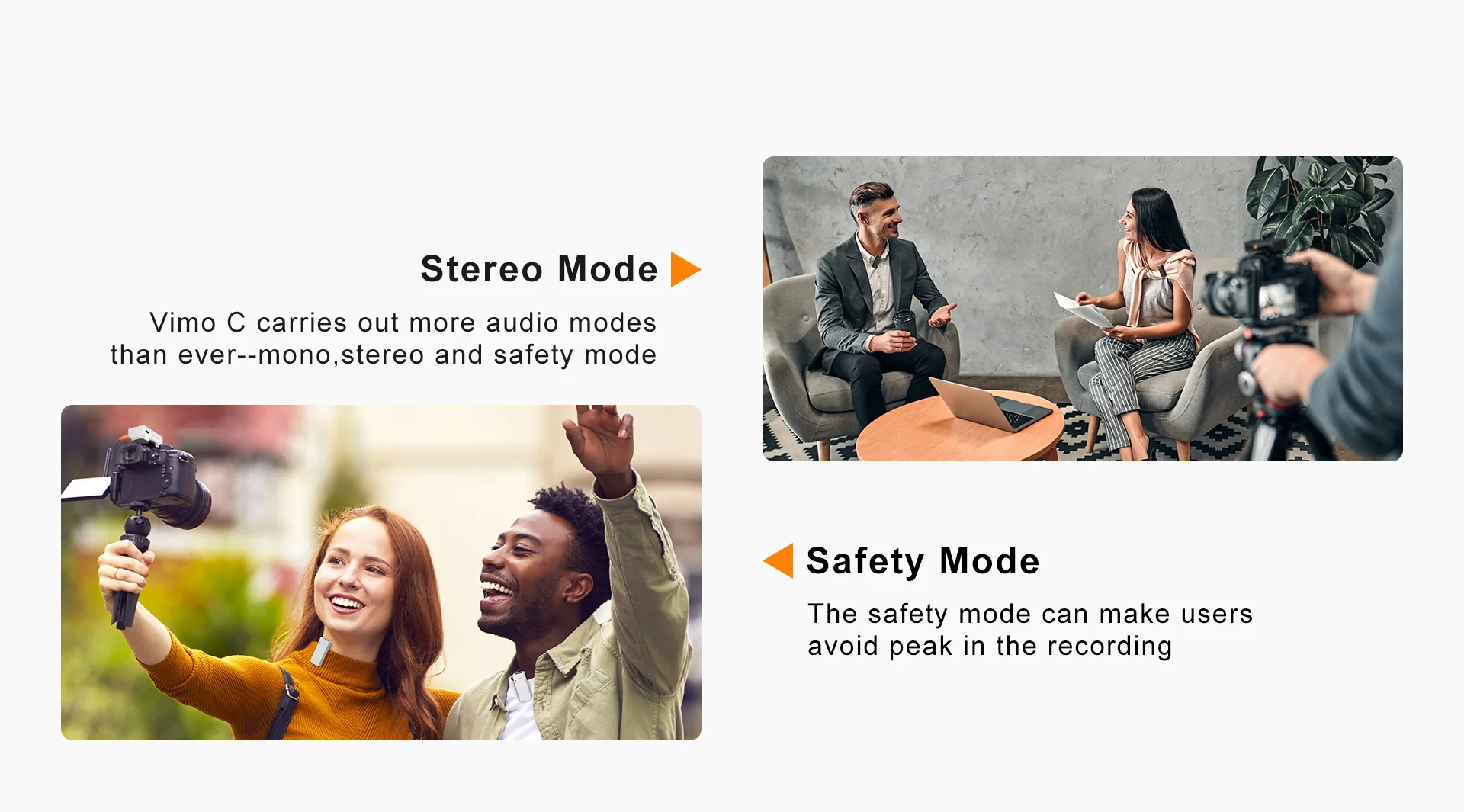
4-level Adjusted Gain Control and One-click Muting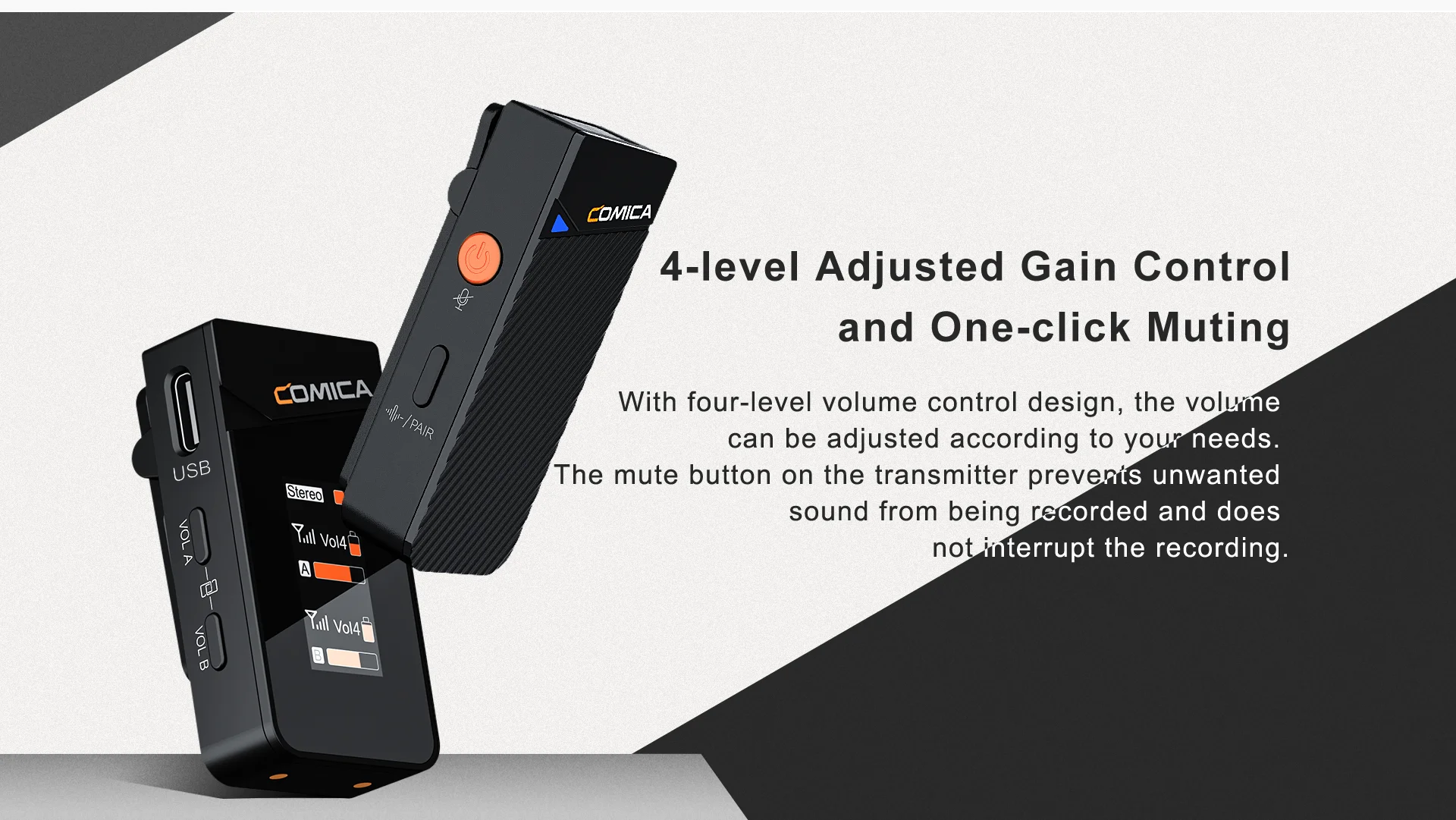 IPS Displayer
IPS Displayer
The lPS display is optimally positioned to monitor audio dynamics, battery life, volume and modes. To make it easier to use, it can be rotated to suit different viewing directions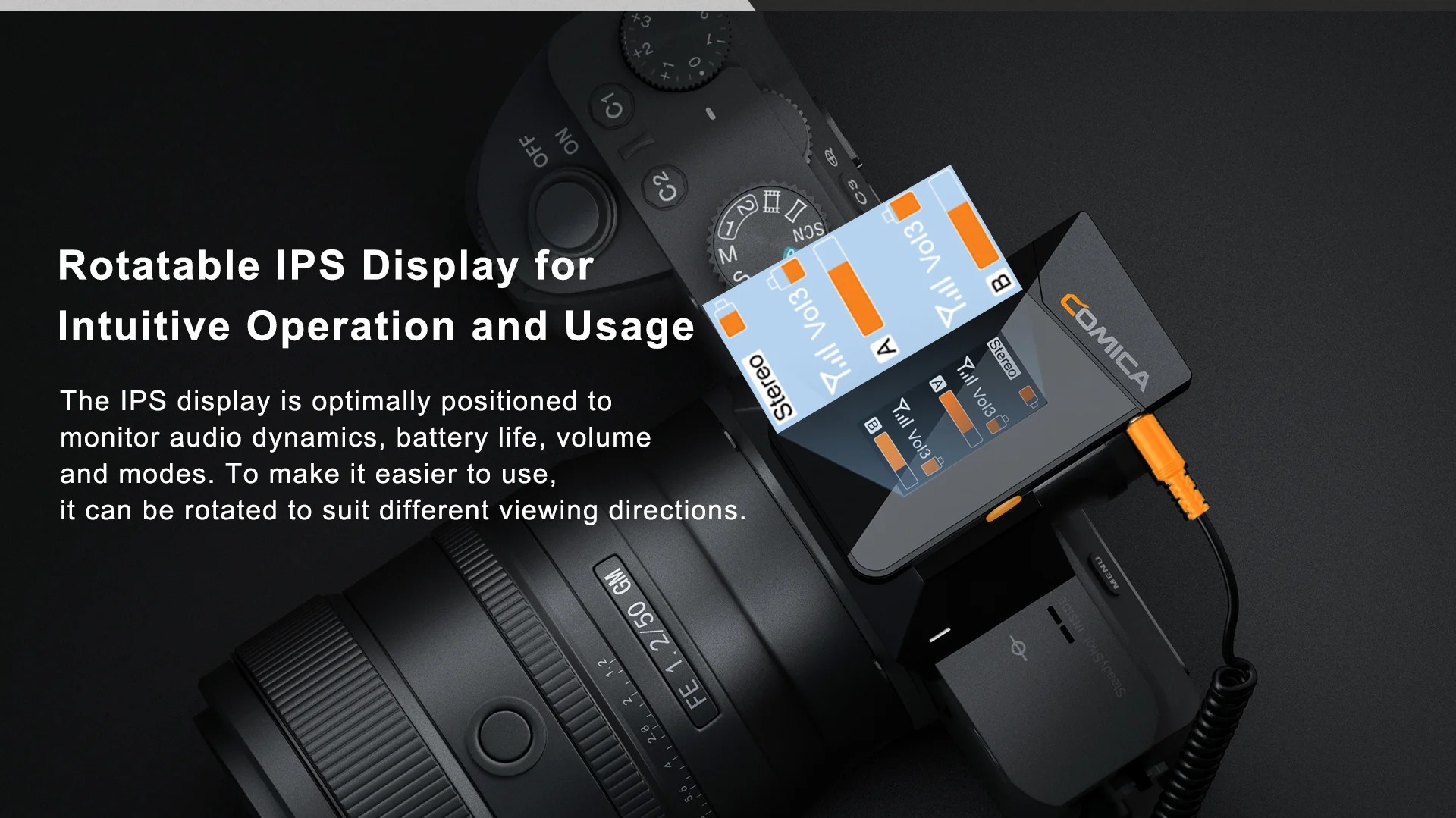 Multifunctional Charging Box
Multifunctional Charging Box
The microphone connects as soon as the cover is opened, automatically pairs, and automatically turns on and off. It is simple and easy to use; the microphone has a single battery life of 8 hours, and the total battery life with the charging box is up to 20 hours, so you don’t have to worry about battery life anymore.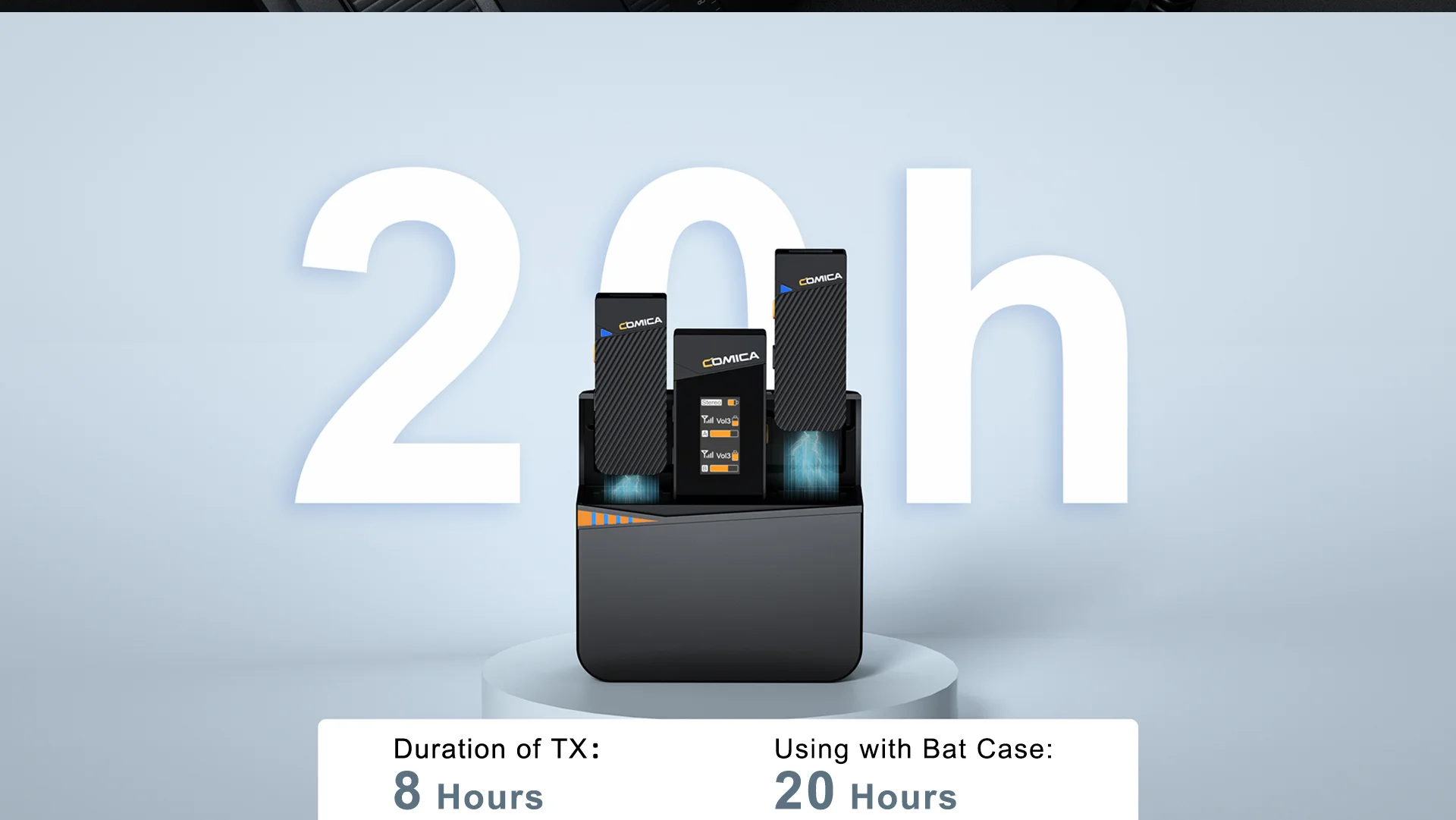 USB-C Charging/Output Port
USB-C Charging/Output Port
Equipped with USB-C charging/output port,Vimo C1 and C2 can work
together with 1 to 3 charging/output cable, Vimo C3 can work together with 2in1 charging/output cable.lt supports connect with devices for digital audio output,or connect with power bank/DC power for charging. No worry for the recording.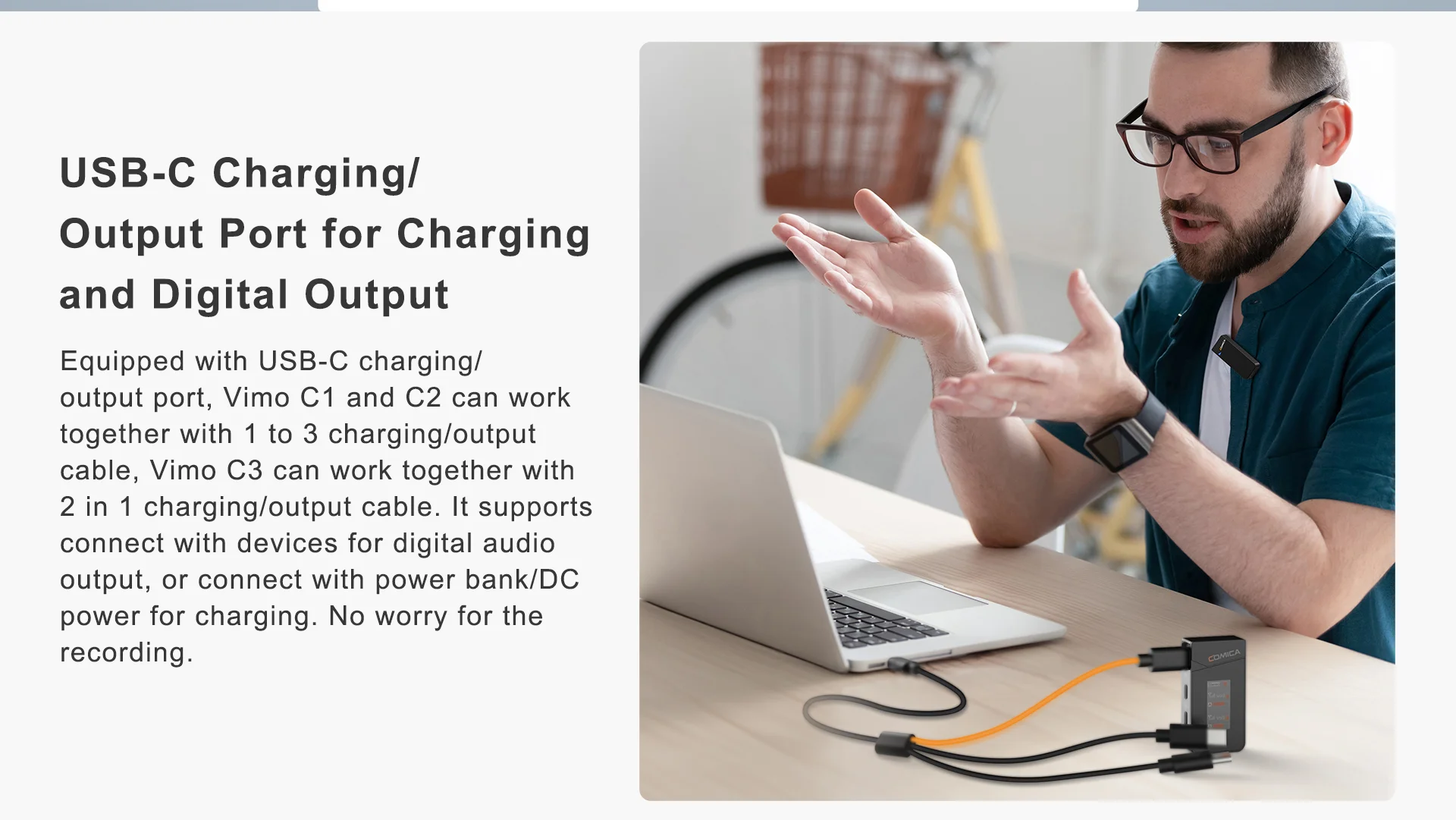 Low audio delay <20ms, achieving true audio and video synchronization, wireless transmission distance up to 200m (open environment)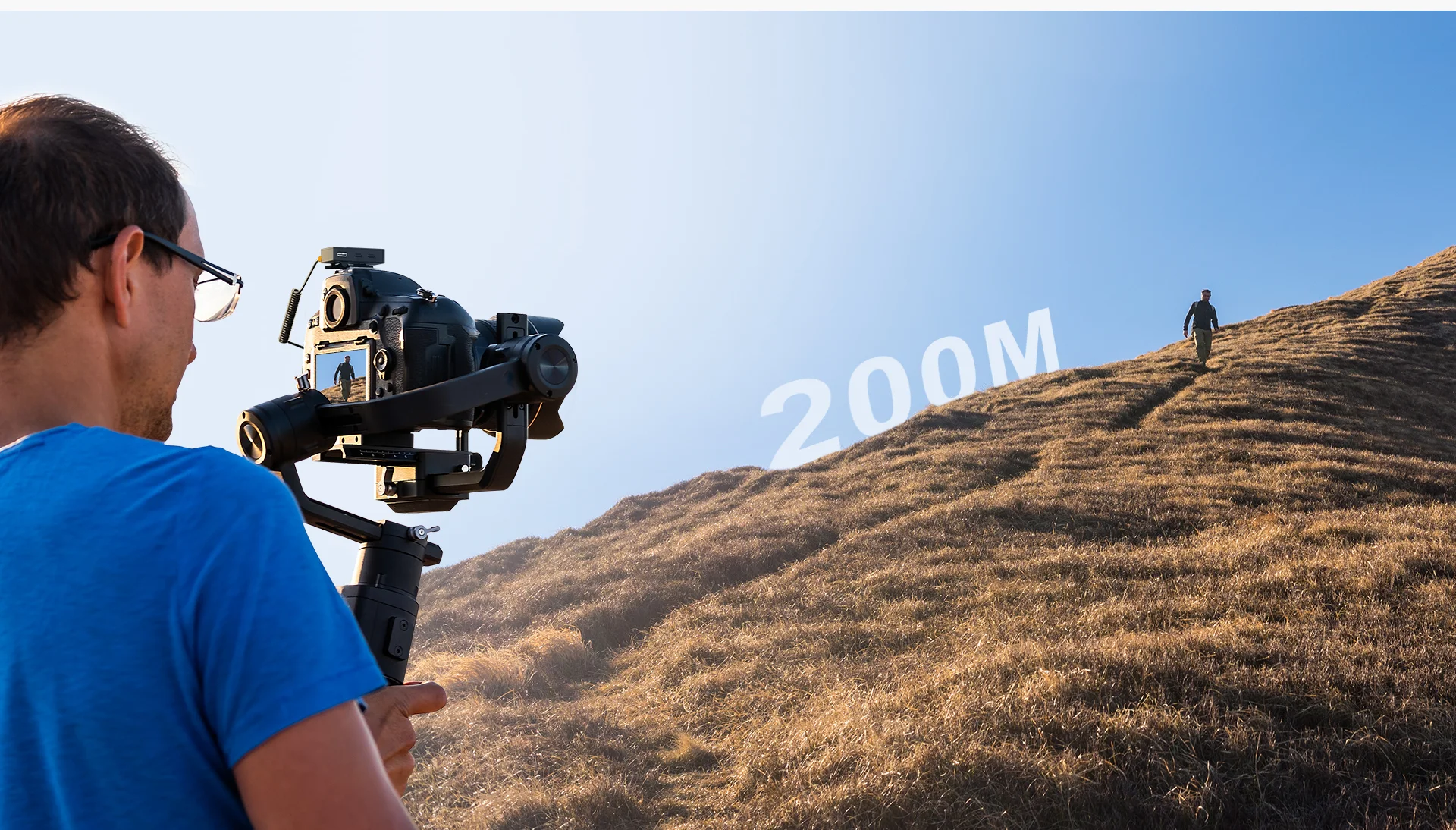
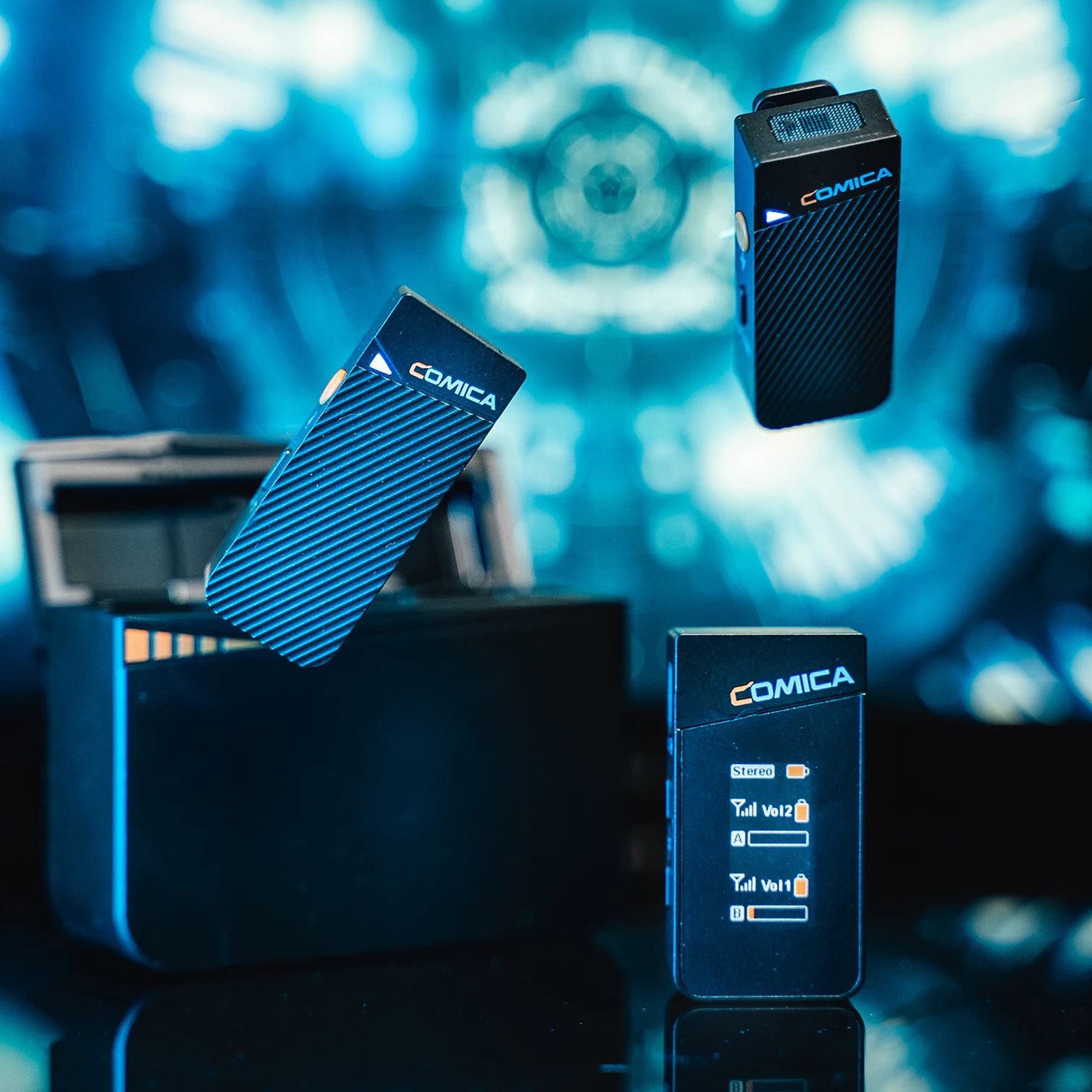
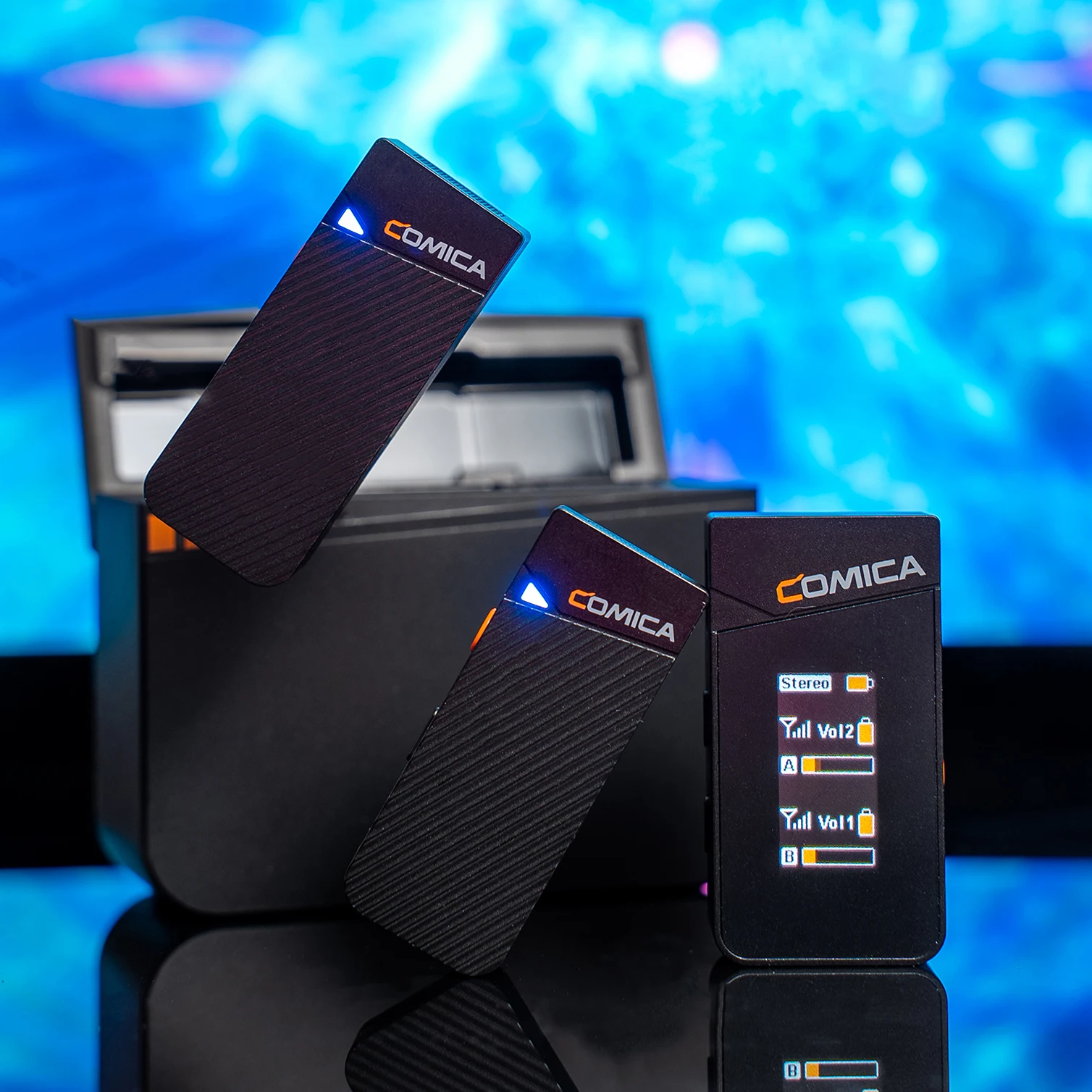
Low audio delay <20ms, achieving true audio and video synchronization, wireless transmission distance up to 200m (open environment)

Q Can I use the stereo mode on my phones or laptops?
A No, you can only use the mono mode on your phones or laptops, since you need to use the extra adapter for connecting.
Q How do I connect it to my iPhone?
A For iPhone users, connect the 3.5mm to Lightning adapter with OTG to the receiver. iPhone speaker won't work when connected.
Q How do I connect it to my computer?
A To connect VIMO C3 to a computer with USB-C input, use a 3.5mm to USB-C audio adapter (not included) or a TRS-TRS cable. Make sure to select VIMO C3 as the input audio device for your computer and recording software.
Q How do I connect it to my Android Phones or Laptop?
A For iPhone users, connect the 3.5mm to Lightning adapter with OTG to the receiver. iPhone speaker won't work when connected.
Q What should I do if my camera come with loud background noise?
A Manually adjust camera recording volume, lower camera gain, and turn off automatic gain control. Note: Vimo C may not be compatible with wind noise suppression and noise reduction functions of your camera. Turn off both functions when recording.
Q How is the sound quality? What is the difference with other products?
A Vimo C has a high recording standard of 48kHZ sampling rate and 24Bit sampling accuracy, and the radio effect is better than CD-level sound quality.